Color Pop
Drain the scene to black & white and keep your subject in full colour — one tap, no masking.
The all-in-one editor you already love — blemish removal, whitening, filters, stickers, collages — now with an AI Editor that transforms your photos from a simple prompt. New in 7.3: one-tap Color Pop, Background Replace, Background Blur and Sticker Maker, with live previews.
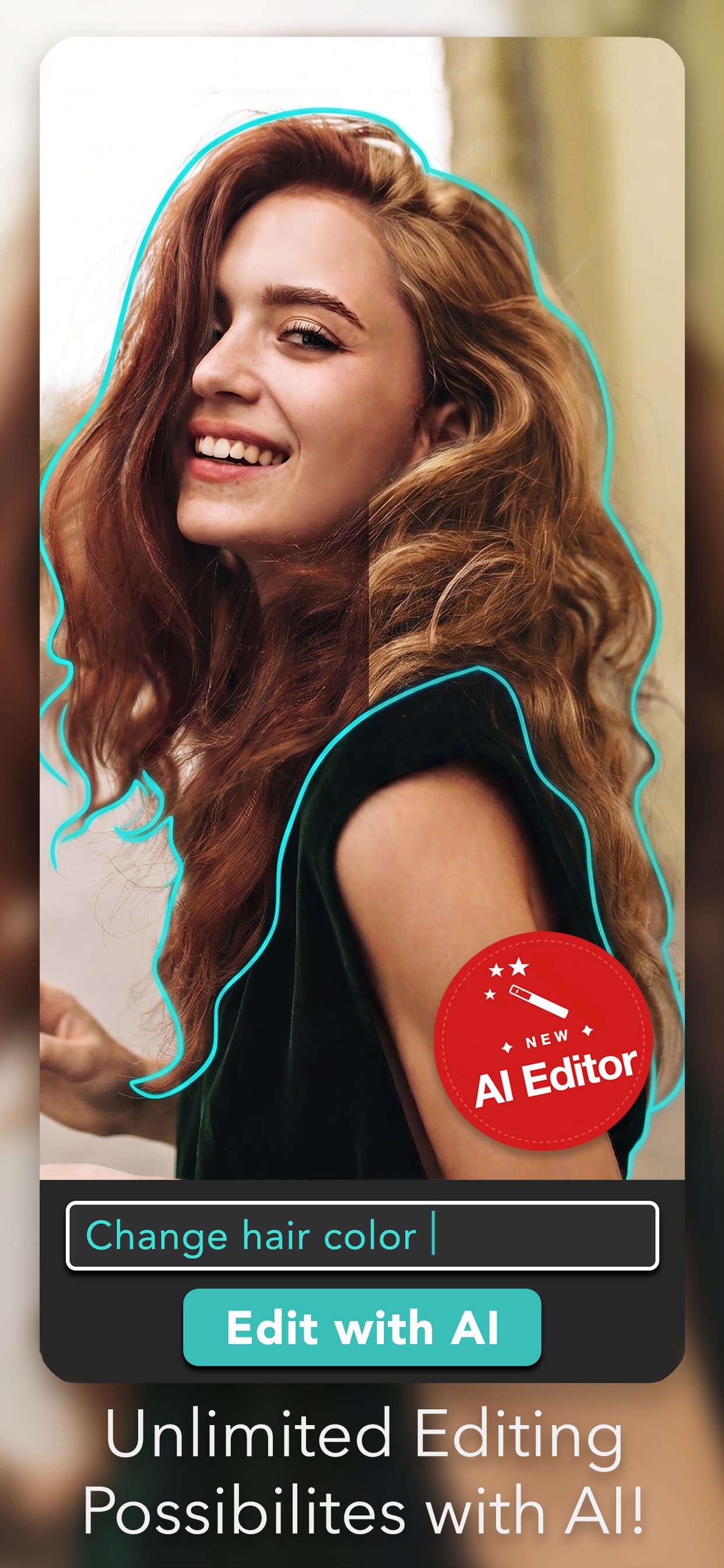
Stop wrestling with sliders. Describe what you want — change a background, swap a hair color, remove an object, restyle a portrait — and the AI does it for you. Right inside the app you already use.
Drain the scene to black & white and keep your subject in full colour — one tap, no masking.
Swap the backdrop for a colour, a gradient, or any photo from your library. Your subject stays put.
Portrait-style depth on any photo. Dial the blur up or down and watch it update as you drag.
Cut any subject into a die-cut sticker, then reuse it from My Stickers in the Pro Editor.
A free update for everyone — the full Pro Editor toolkit you already love is all still here.
The AI Editor is new. The full toolkit isn't going anywhere. Every brush, slider, and shortcut you rely on is still here — and still free.
Hide blemishes, fix red eye, whiten teeth, sharpen focus, and fine‑tune every adjustment with a tap.
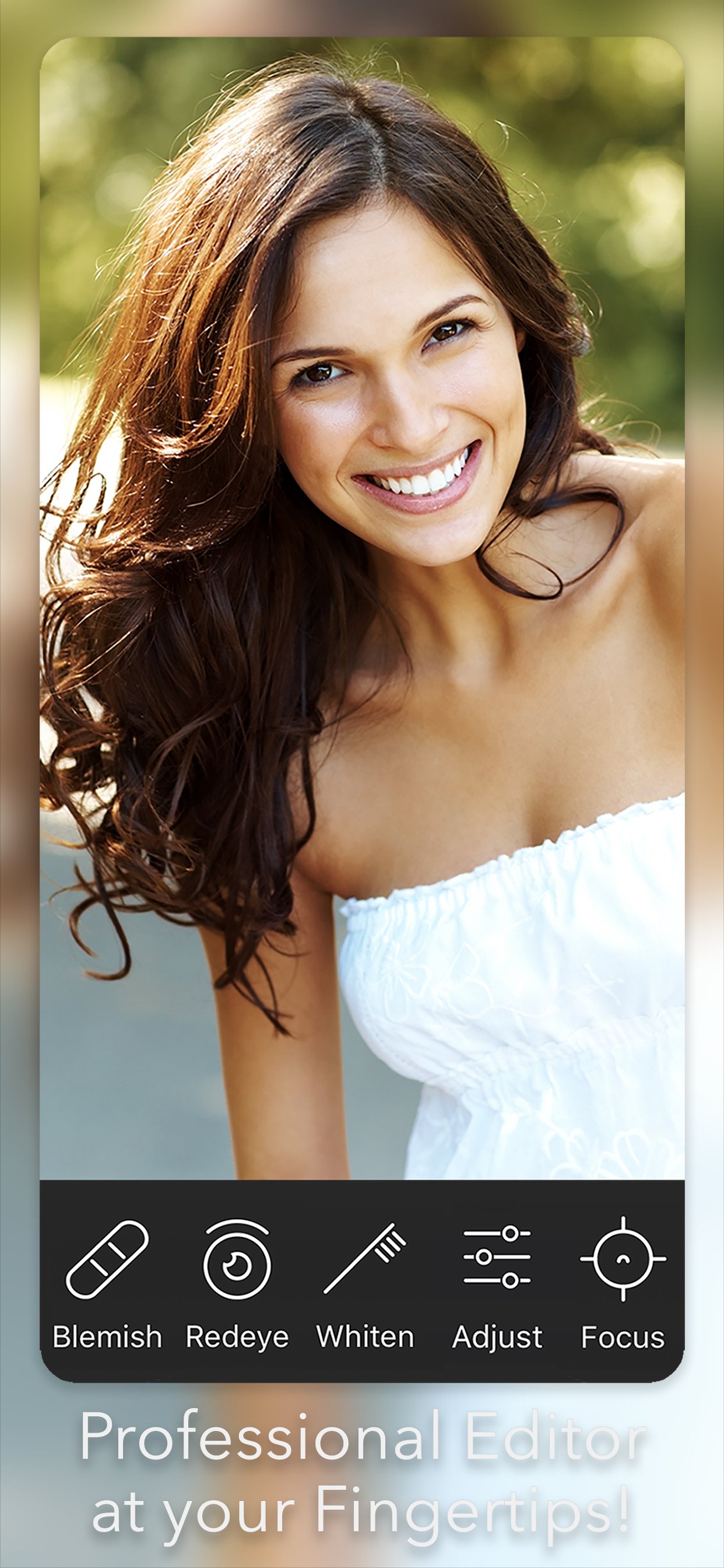
Capture photos and apply filters, focus effects, and color splash live or after the fact.
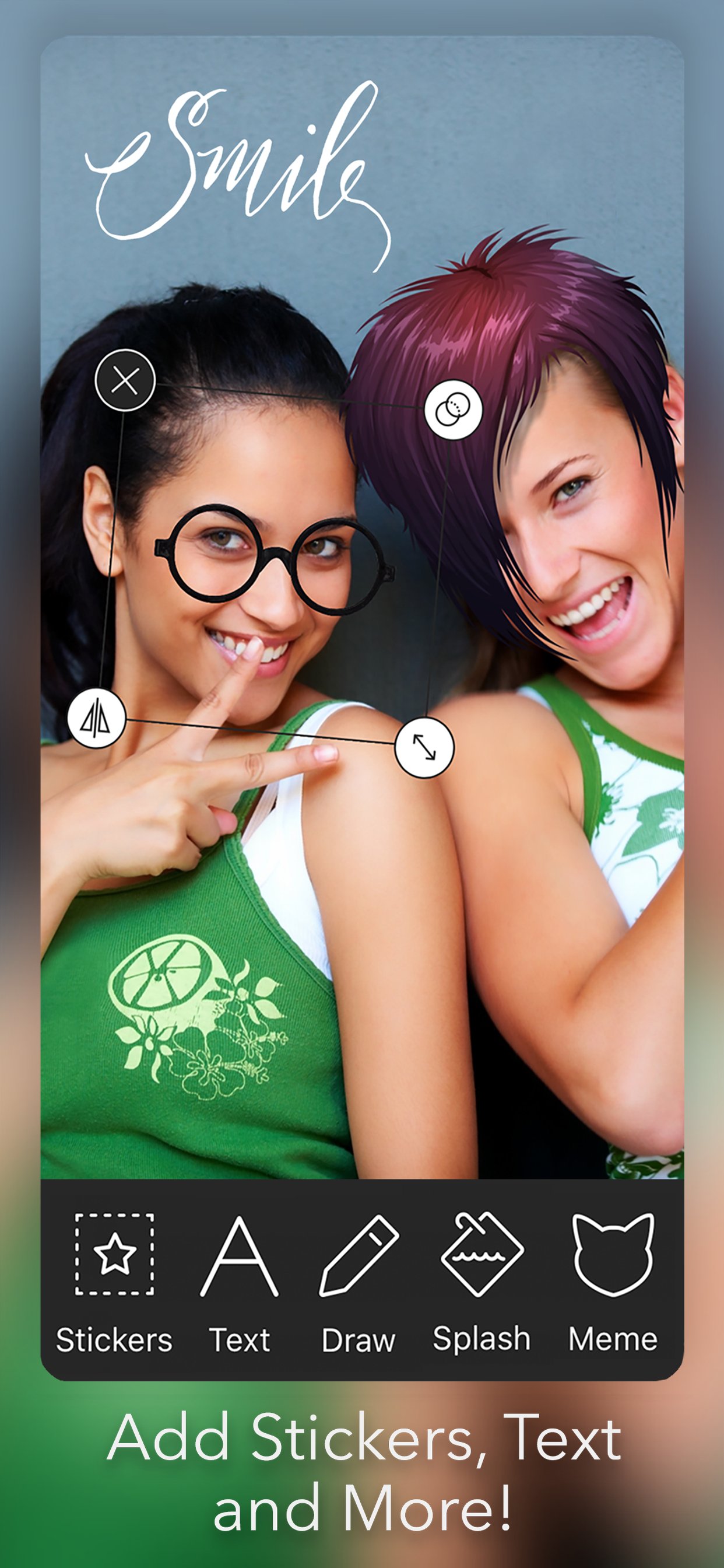
Stickers, custom text, freehand drawing, color splash, and meme captions — mix and match freely.
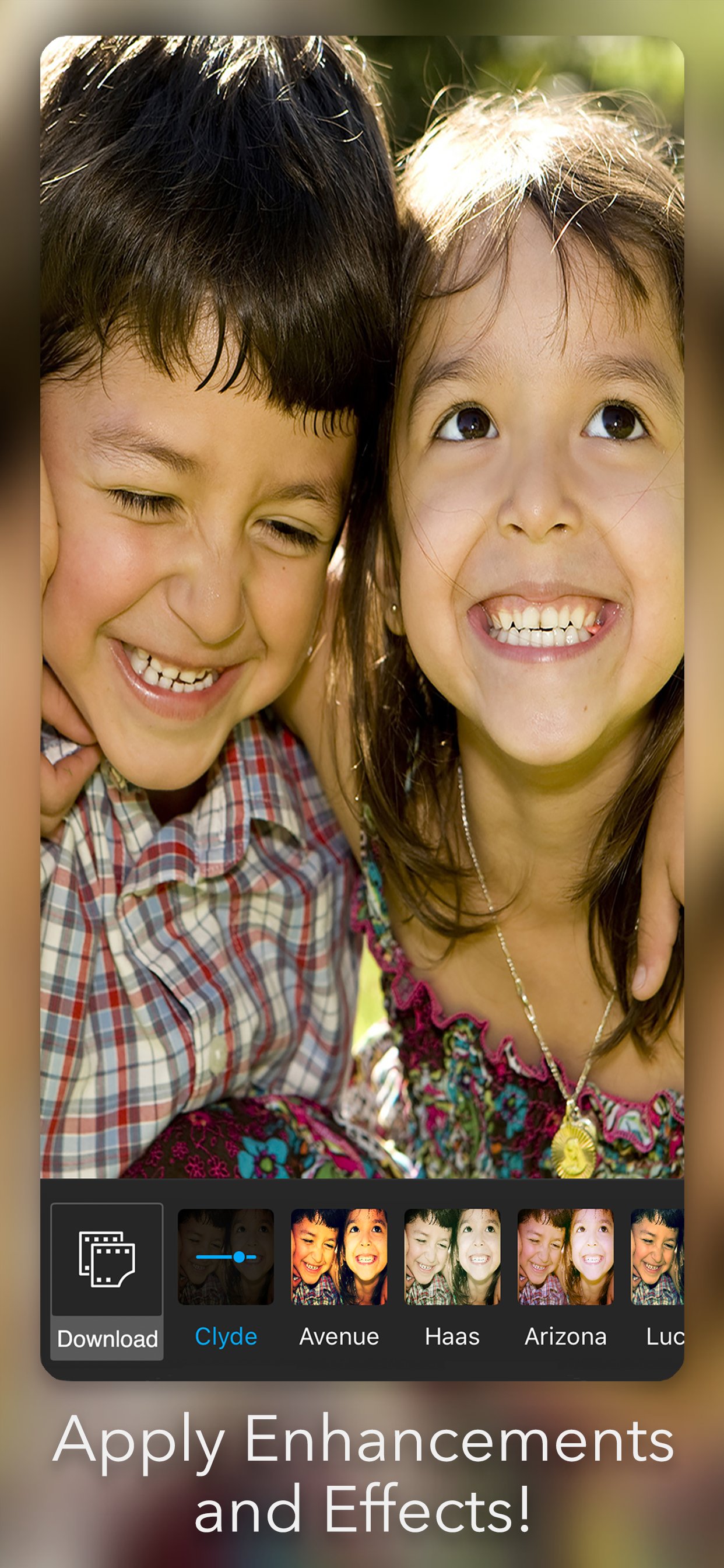
Curated filter packs — Clyde, Avenue, Haas, Arizona and more — plus expansions you can download in-app.
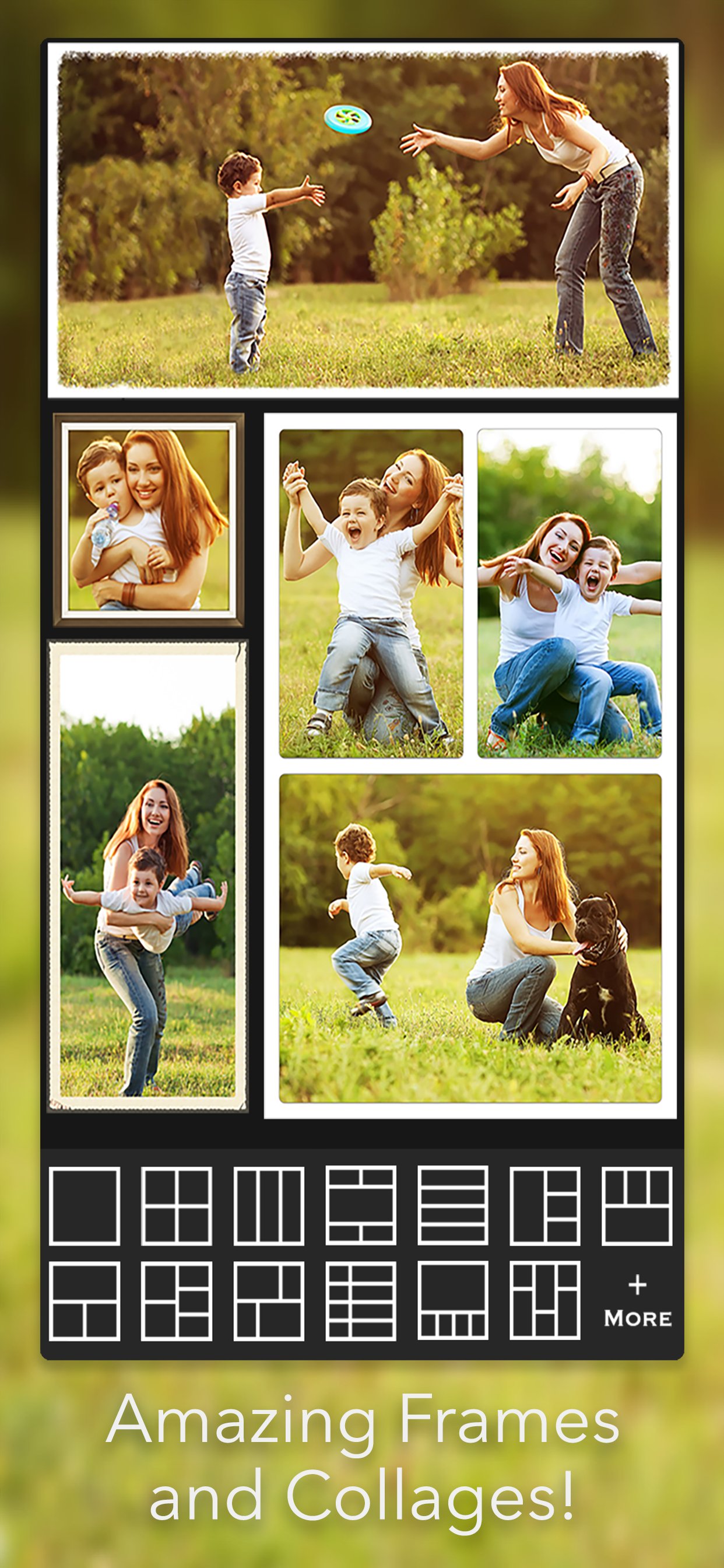
Dozens of frame and collage layouts to combine multiple photos into one keepsake.
A curated library of named filters — not the usual VHS knock‑offs. Apply, fine‑tune, and download additional packs when you want a different mood.
Drop stickers, add a caption, sketch over the top, splash a single color into a black‑and‑white scene, or turn any photo into a meme in seconds.
Build collages with dozens of grid templates and decorative frames. Perfect for trips, kids, pets, and the group chat.
Available on iPhone, iPad and Android. 7.3 ships as a free update — no new app to install.